

Known Issues
Issues we're actively monitoring, with workarounds or fixes when available. Review the details before opening a support ticket — many problems already have a documented path forward.
!Google/Apple Pay wallets not loading anywhere
If you've enabled Apple Pay or Google Pay but they're not visible in any of the expected places (cart, mini-cart, product page, checkout), run through these checks in order:
- 1
Verify the Configuration
Make sure all the wallets you want are enabled in your store config. On Magento, scope-level overrides can disable a wallet for a specific website without it being obvious.
Check the wallet availability setting:
- Always: the wallet always appears, regardless of saved cards. Auto: the wallet only appears when the customer has a saved card in the browser.
Also confirm Layout Placement is empty (default) or contains valid CSS. A typo in the placement selector silently prevents the wallet from rendering.
- 2
Confirm a saved card in your Browser
If wallets are set to load automatically, they need a saved payment method in the browser to render.
- Google Pay: in Chrome → Settings → Autofill and passwords → Payment methods → Allow sites to check if you have payment methods saved.
- Apple Pay: open the Wallet & Apple Pay settings on your device and add a card. Apple Pay should then load in Safari automatically.
- 3
Make sure the website is publicly reachable
If the site is behind HTTP auth, or the certificate is invalid, Apple Pay and Google Pay refuse to load — even if a card is saved in the browser.
!Klarna not loading on checkout
Klarna's availability depends on where you and the customer are based.
- EEA, UK or Switzerland merchantsYou can transact with consumers across the EEA, UK and Switzerland — as long as the presentment currency matches the customer's country. Example: a Swedish business presenting in EUR can accept Klarna from a buyer in Germany.
- Outside EEA, UK or SwitzerlandYou can only transact with customers in your own country, and the presentment currency must match. Example: an Australian business must present in AUD, and can only sell to buyers in Australia.
!Apple well-known configuration
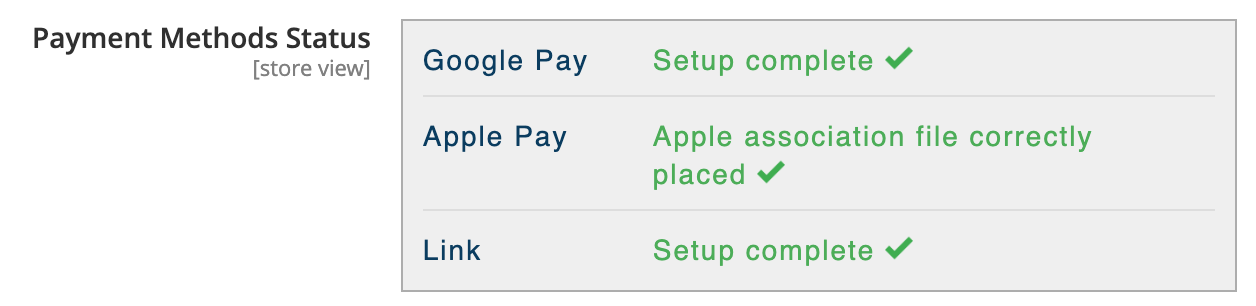
After installing Brippo Payments, the file apple-developer-merchantid-domain-association is generated automatically inside pub/.well-known in your Magento install.
When it's properly generated you'll see this confirmation:
If it failed, you'll see an error like this instead:
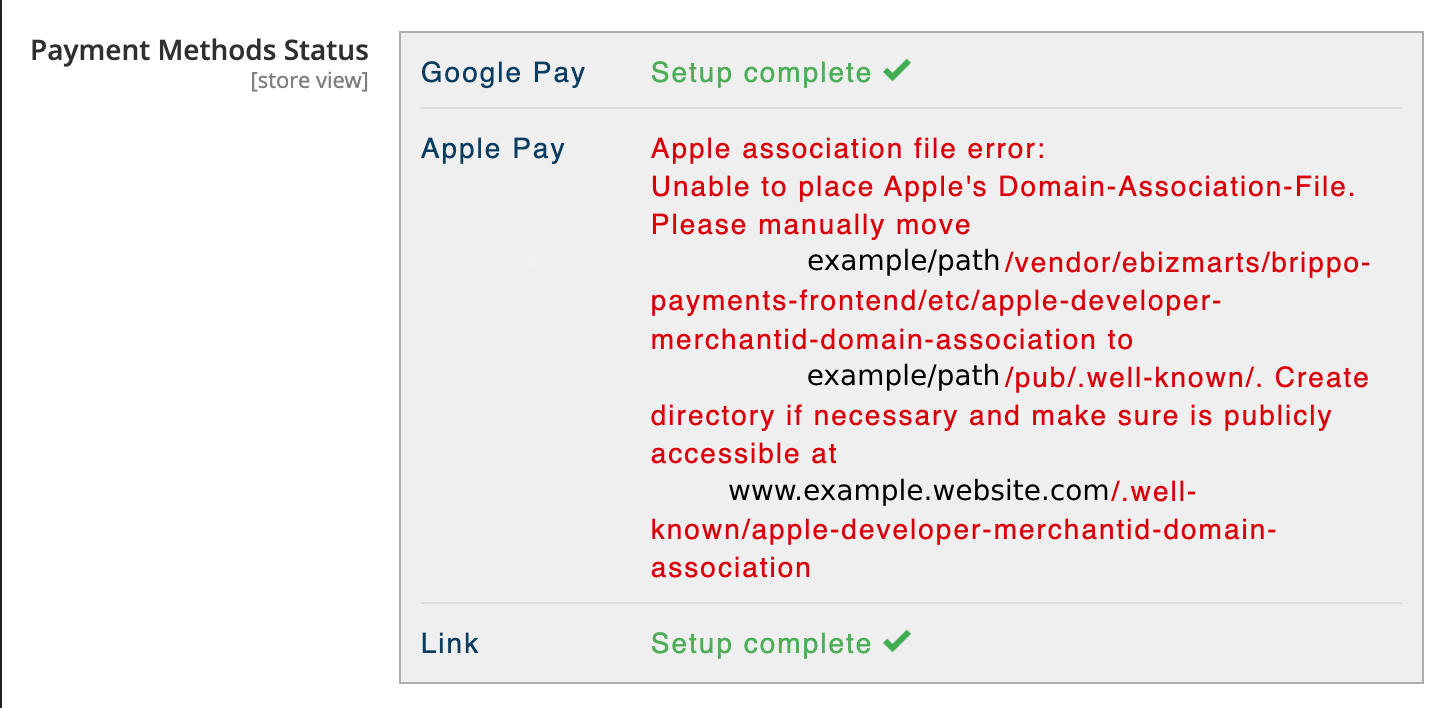
The instructions inside the error message usually fix it. If you're hitting a 404 instead, the file was likely never generated and needs to be set manually — the video below walks through the fix end-to-end.