

Demo Stores
Try Brippo end-to-end on our demo stores — no install, no signup. Pick your platform, run a card payment, test different wallets and see the live checkout experience your shoppers get.
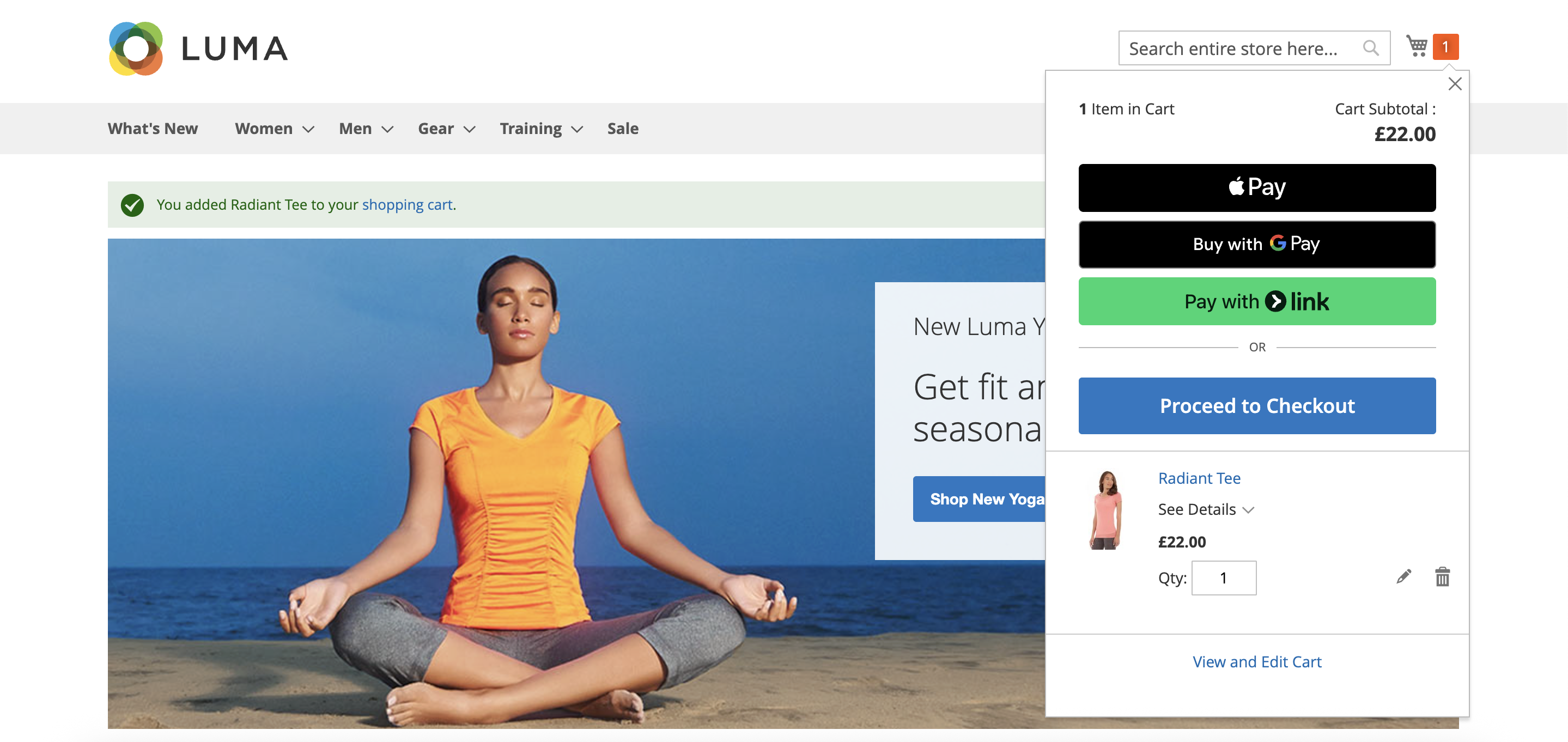
Magento Demo Store
A fully-stocked Magento storefront with Brippo installed in test mode. Use it to walk through the live checkout experience on Adobe Commerce — wallets, cards and Pay By Link, exactly as your shoppers see them.
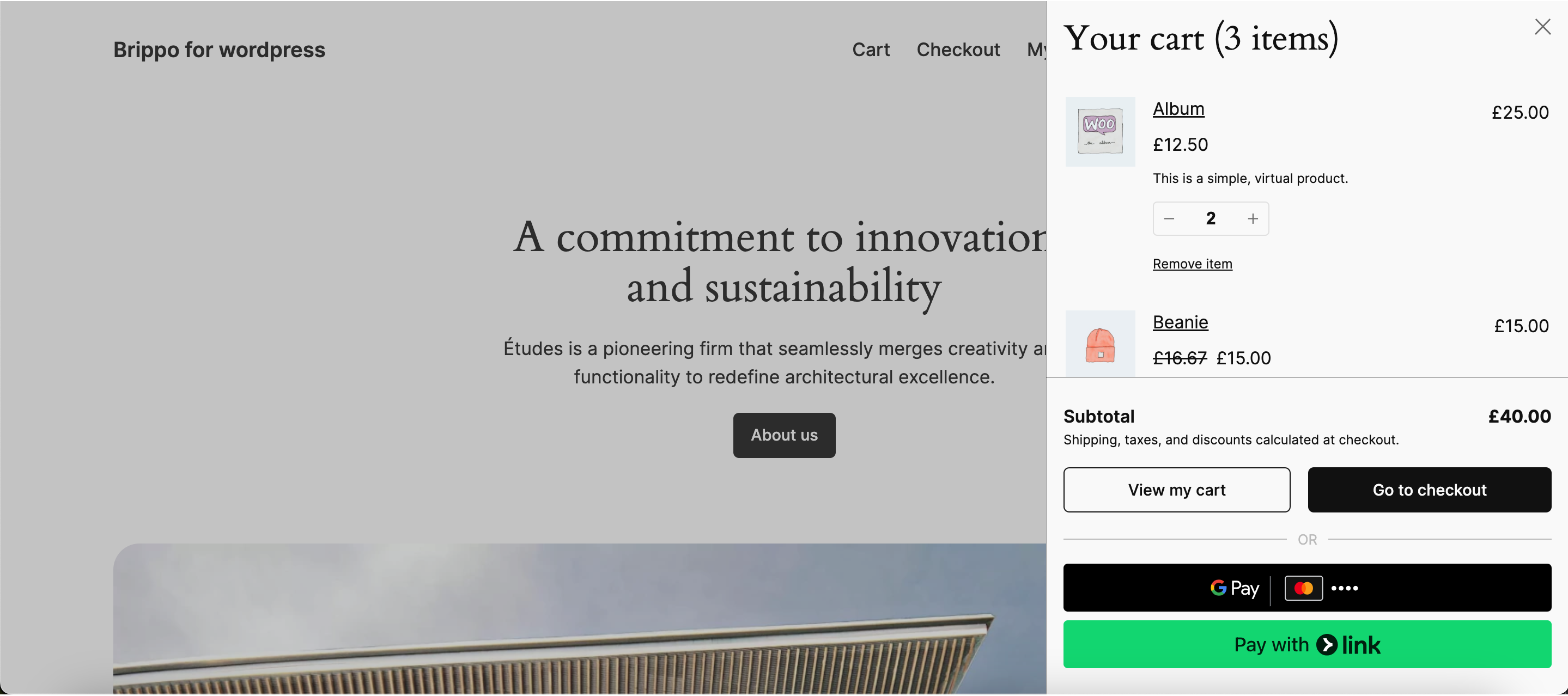
WooCommerce Demo Store
A fully-stocked WooCommerce storefront running on WordPress with Brippo installed in test mode. Walk through the live checkout experience on Woo — cards, wallets and Pay By Link, exactly as your shoppers see them.
3-minute tour
Run through these checkout flows in order to see the full Brippo storefront experience.
Test cards
Use these card numbers in the demo store. Any future expiry date and any 3-digit CVC will work.
| Number | Exp | CVC | Result |
|---|---|---|---|
| 4242 4242 4242 4242 | 12/30 | 123 | Approved |
| 4000 0000 0000 0002 | 12/30 | 123 | Declined (generic) |
| 4000 0027 6000 3184 | 12/30 | 123 | 3DS challenge |
| 4000 0000 0000 9995 | 12/30 | 123 | Insufficient funds |
Need a private sandbox?
If you need a sandbox tied to your own account — with custom products, your branding, and webhook endpoints pointing at your dev environment — request one from your Brippo contact.
Request a private sandbox →